




<br/><br/>

Book consultations with verified specialists, manage prescriptions, track payments, and coordinate care — all in one place.


Desktop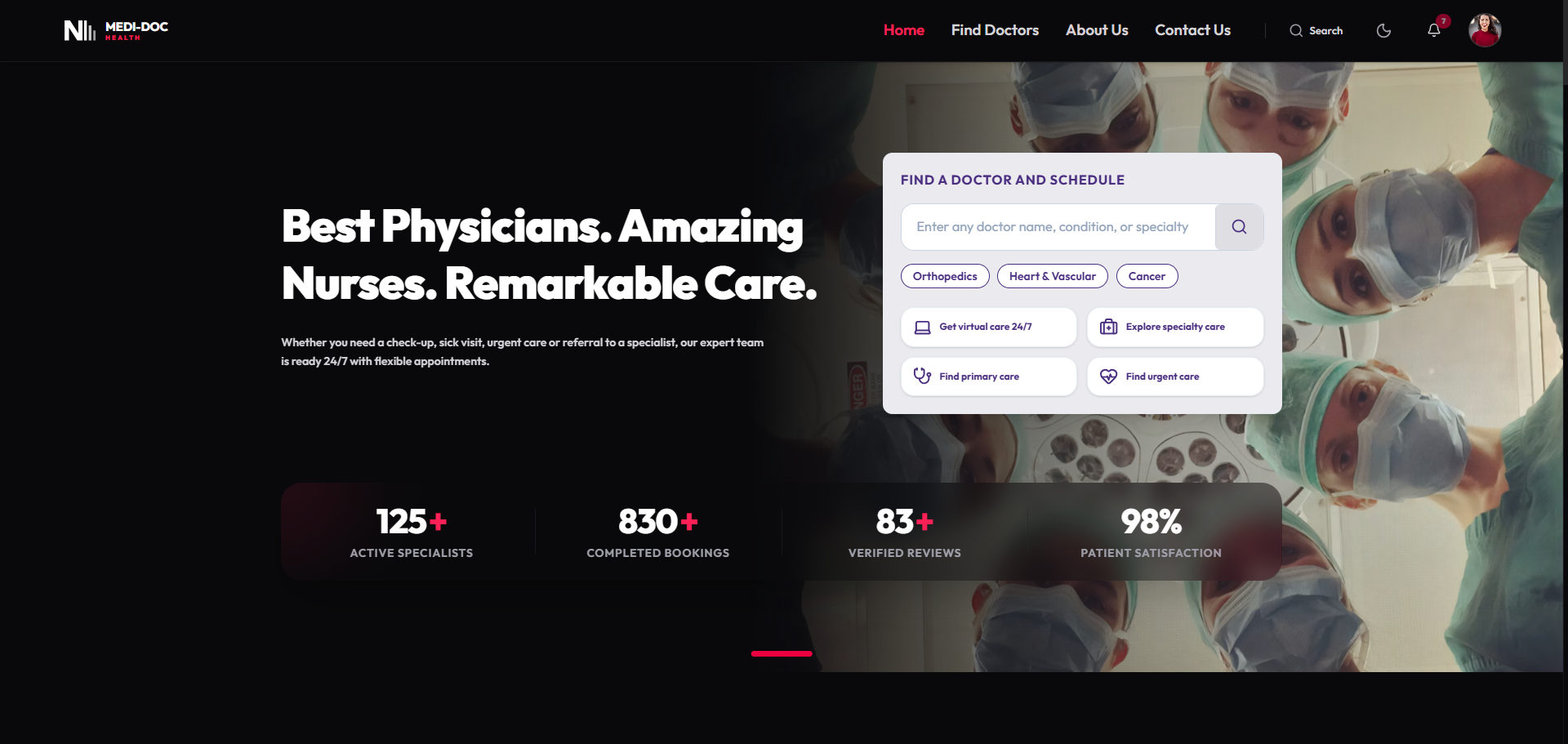
|
Mobile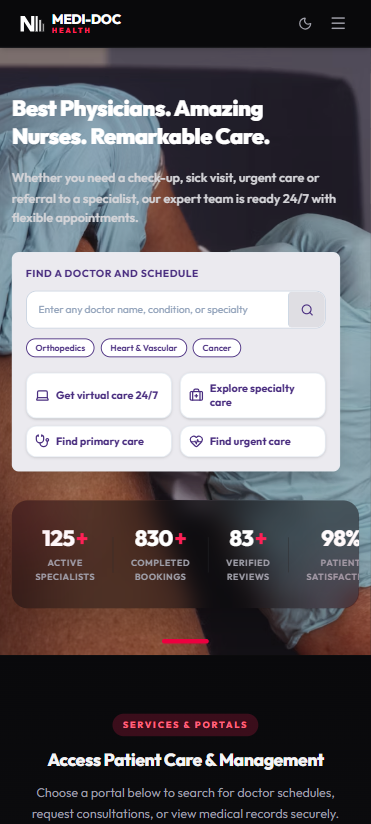
|
Desktop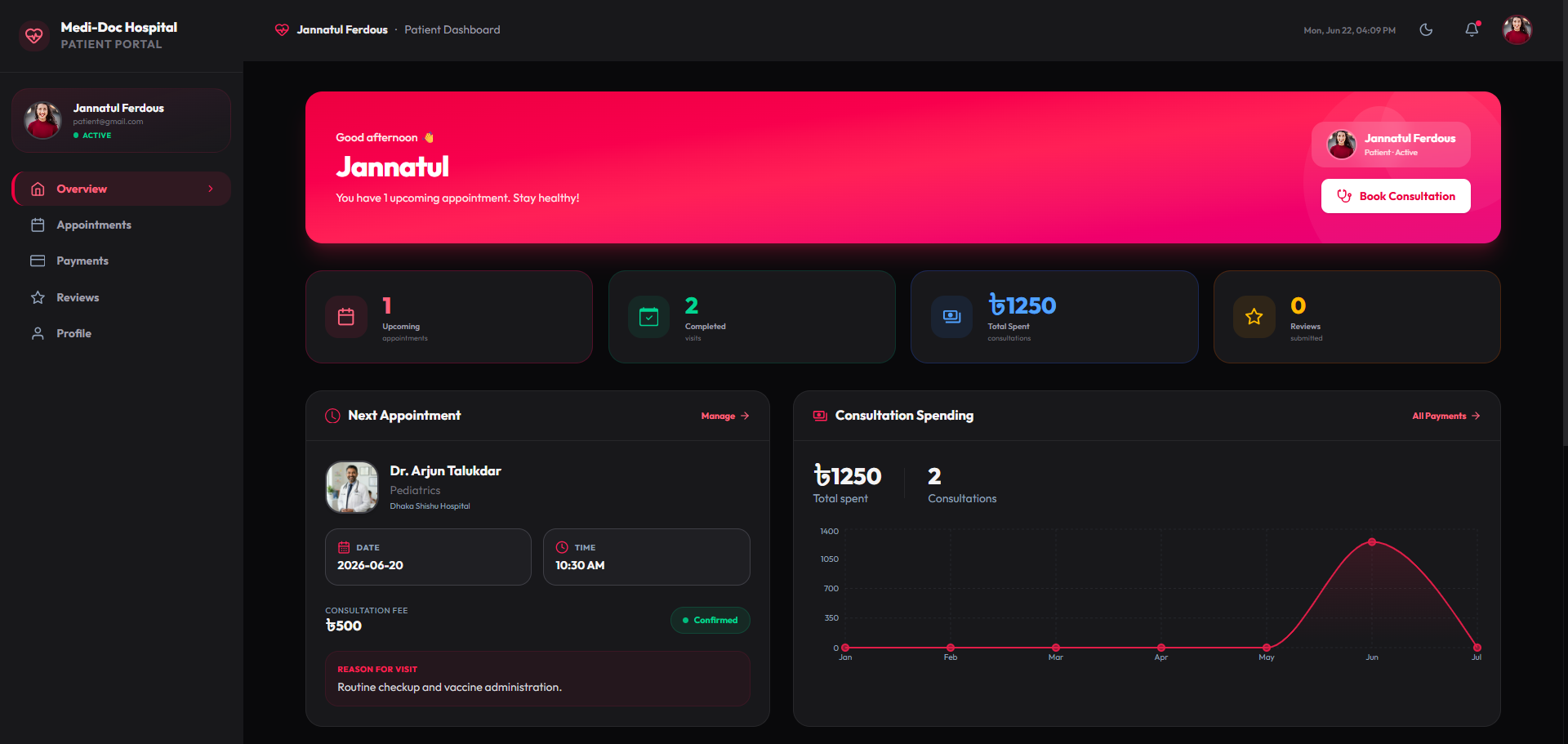
|
Mobile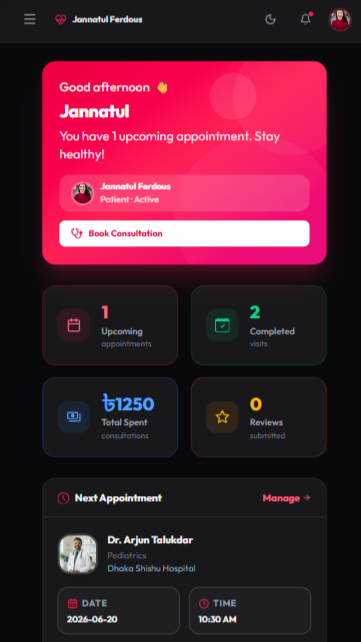
|
- 🔍 Find Doctors — Search & filter by specialization, fee, availability
- 📅 Book Appointments — Real-time slot selection with Stripe payment
- 💊 Prescriptions — View electronic prescriptions issued by doctors
- 💳 Payment History — Track all consultation payments with spending chart
- 🔔 Notifications — Real-time alerts for appointments & payments
- 👤 Profile Management — Update personal info, photo, and contact details
- 📋 Appointment Management — Confirm, complete, or reject bookings
- 📝 Issue Prescriptions — Write and manage patient prescriptions
- 📊 Earnings Dashboard — Track consultation revenue and history
- 🏥 Profile Setup — Specialization, fees, availability schedule
- 👥 User Management — View, search, and suspend all users
- ✅ Doctor Verification — Approve or reject doctor applications
- 📈 Platform Analytics — Stats overview across all roles
- 🏛️ Full Oversight — Manage appointments, payments, and reviews
- Credentials login (email + password via JWT)
- Google OAuth via Better Auth
- Role-based access — patient, doctor, admin, nurse, lab, pharmacist
| Layer | Technology |
|---|---|
| Frontend | Next.js 16 (App Router, Turbopack), TypeScript, Tailwind CSS v4 |
| UI Components | Radix UI, shadcn/ui, Framer Motion, Recharts |
| Backend | Express.js, TypeScript, Node.js |
| Database | MongoDB Atlas (via Mongoose + native driver) |
| Auth | Better Auth (JWKS), JWT (HTTPOnly cookies) |
| Payments | Stripe Checkout (server-side sessions) |
| Icons | Lucide React, React Icons |
| Deployment | Vercel (frontend + backend as serverless) |
medicare-connect/
├── frontend/                  # Next.js 16 App Router
│   ├── src/
│   │   ├── app/               # Pages & API routes
│   │   │   ├── dashboard/     # Role-based dashboards
│   │   │   │   ├── patient/   # Patient pages
│   │   │   │   ├── doctor/    # Doctor pages
│   │   │   │   └── admin/     # Admin pages
│   │   │   ├── find-doctors/  # Doctor search & booking
│   │   │   ├── login/         # Auth pages
│   │   │   └── success/       # Post-payment confirmation
│   │   ├── components/        # Shared UI components
│   │   │   ├── Navbar.tsx
│   │   │   ├── NotificationBell.tsx
│   │   │   └── ...
│   │   ├── context/           # AuthContext (global auth state)
│   │   ├── lib/               # mockDb (localStorage + MongoDB sync)
│   │   └── utils/             # backendUrl helper
│   └── public/assets/         # Static assets & screenshots
│
└── backend/                   # Express API server
    └── index.ts               # All routes, middleware, seeding
- Node.js 20+
- MongoDB Atlas account
- Stripe account
- Google OAuth credentials
git clone https://github.com/CoderGUY47/medicare-connect.git
cd medicare-connectcd backend
npm installCreate backend/.env:
MONGODB_URI=mongodb+srv://<user>:<pass>@cluster.mongodb.net/medi-doc
JWT_SECRET=your_jwt_secret_key
PORT=5000
CLIENT_URL=http://localhost:3000
Start the backend:
npm run devcd frontend
npm installCreate frontend/.env.local:
NEXT_PUBLIC_SERVER_URL=http://localhost:5000
NEXT_PUBLIC_STRIPE_PUBLISHABLE_KEY=pk_test_...
STRIPE_SECRET_KEY=sk_test_...
BETTER_AUTH_SECRET=your_better_auth_secret
BETTER_AUTH_URL=http://localhost:3000
GOOGLE_CLIENT_ID=your_google_client_id
GOOGLE_CLIENT_SECRET=your_google_client_secret
Start the frontend:
npm run dev| Role | Password | |
|---|---|---|
| 🧑⚕️ Patient | patient@gmail.com |
patient123 |
| 🩺 Doctor | doctor@gmail.com |
doctor123 |
| 🛡️ Admin | admin@gmail.com |
admin123 |
| 💊 Pharmacist | pharmacist@gmail.com |
pharmacist123 |
| 🔬 Lab | lab@gmail.com |
lab123 |
| 🏥 Nurse | nurse@gmail.com |
nurse123 |
💡 Demo accounts are available until June 29, 2026. Register for a permanent account anytime.
| Card | Number |
|---|---|
| ✅ Success | 4242 4242 4242 4242 |
| ❌ Decline | 4000 0000 0000 0002 |
Use any future date for expiry and any 3-digit CVV.
| Method | Endpoint | Auth | Description |
|---|---|---|---|
POST |
/api/auth/login |
❌ | Login with credentials |
POST |
/api/auth/logout |
❌ | Logout |
GET |
/api/db-dump |
❌ | Sync all collections |
POST |
/api/db-sync |
❌ | Push local data to MongoDB |
GET |
/doctors |
❌ | List all doctors |
GET |
/doctors/:id |
❌ | Single doctor profile |
POST |
/appointments |
✅ | Book appointment |
GET |
/appointments/:userId |
✅ | Get user appointments |
GET |
/payments/:userId |
✅ | Get payment history |
POST |
/payment-confirm |
❌ | Stripe webhook sync |
GET |
/reviews/:doctorId |
❌ | Get doctor reviews |
POST |
/reviews |
✅ | Submit review |
GET |
/users |
✅ Admin | All users |
- Hybrid Storage: Data is stored in both
localStorage(fast reads) and MongoDB (persistence). They sync bidirectionally — the backend is the source of truth but locally added records (e.g. just-paid appointments) are merged, not overwritten. - Seed Guarantee: Seed appointments and payments for demo accounts are always injected if missing, ensuring a rich demo experience on every reload.
- SSR-safe Charts: Recharts
ResponsiveContaineris wrapped with amountedguard and explicit-height parent div to prevent thewidth(-1)SSR error. - JWT + JWKS: Custom credentials use server-signed JWTs stored as HTTPOnly cookies. Google OAuth tokens are validated via JWKS (Better Auth's public key endpoint).
Both the frontend and backend are deployed on Vercel:
| Service | URL |
|---|---|
| Frontend | https://medicare-connect-ten.vercel.app |
| Backend API | https://backend-nu-rosy-20.vercel.app |
The backend runs as a serverless Express function via Vercel's Node.js runtime.
This project is open source and available under the MIT License.
Built with ❤️ using Next.js, MongoDB & Stripe