

A dockable, splittable, and draggable panel system for Flutter. Build IDE-like layouts with drag-and-drop tab docking, resizable splits, panel maximize/restore, and persistent layout state.
Powered by Riverpod for state management.
dock_panel is maintained by RemindAI
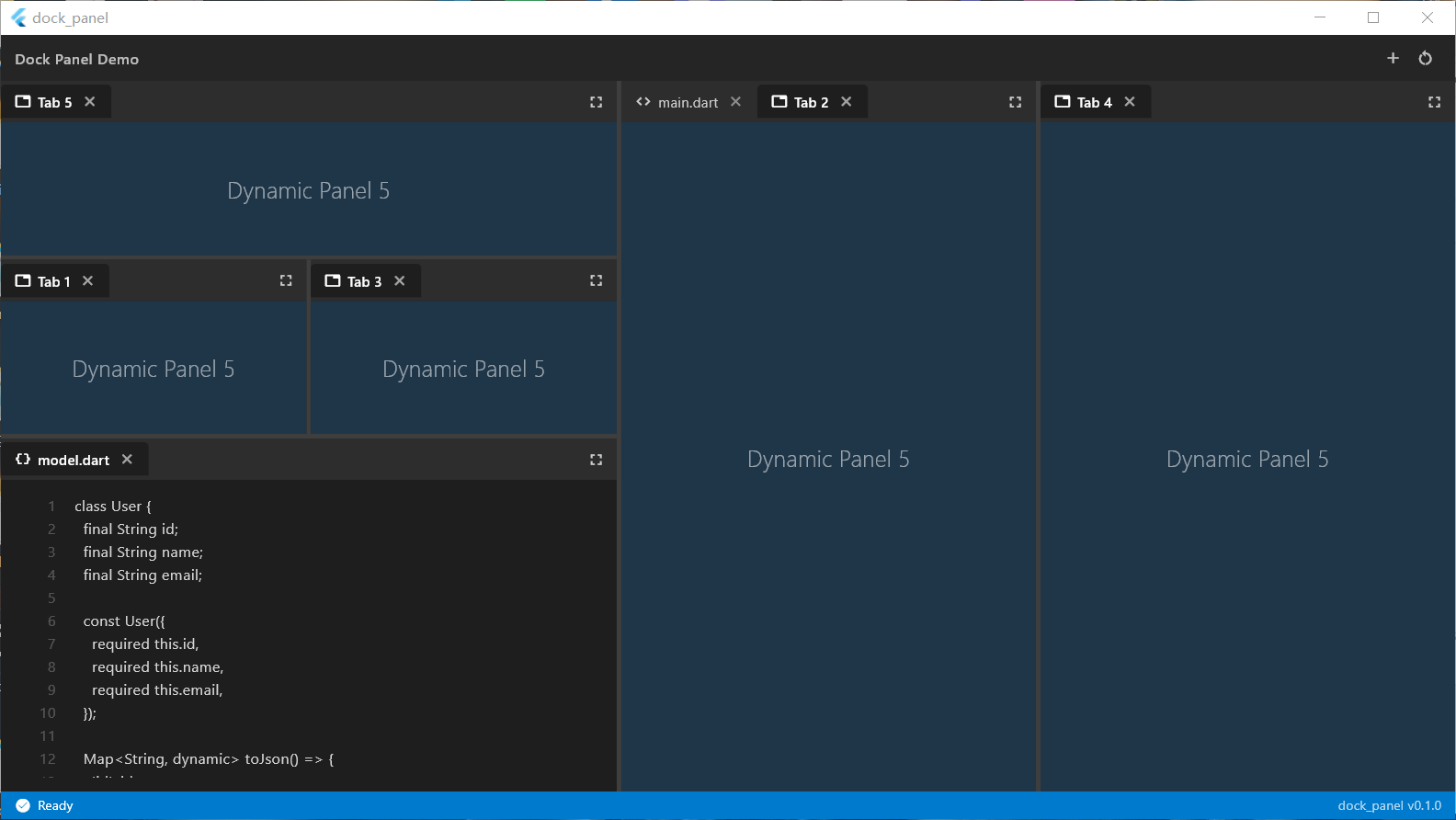
- Drag & Drop Docking — Drag tabs to dock panels left, right, top, bottom, or as a new tab
- Resizable Splits — Drag dividers to resize panel areas with smooth hover highlighting
- Tab Reordering — Drag tabs within the same group to reorder them
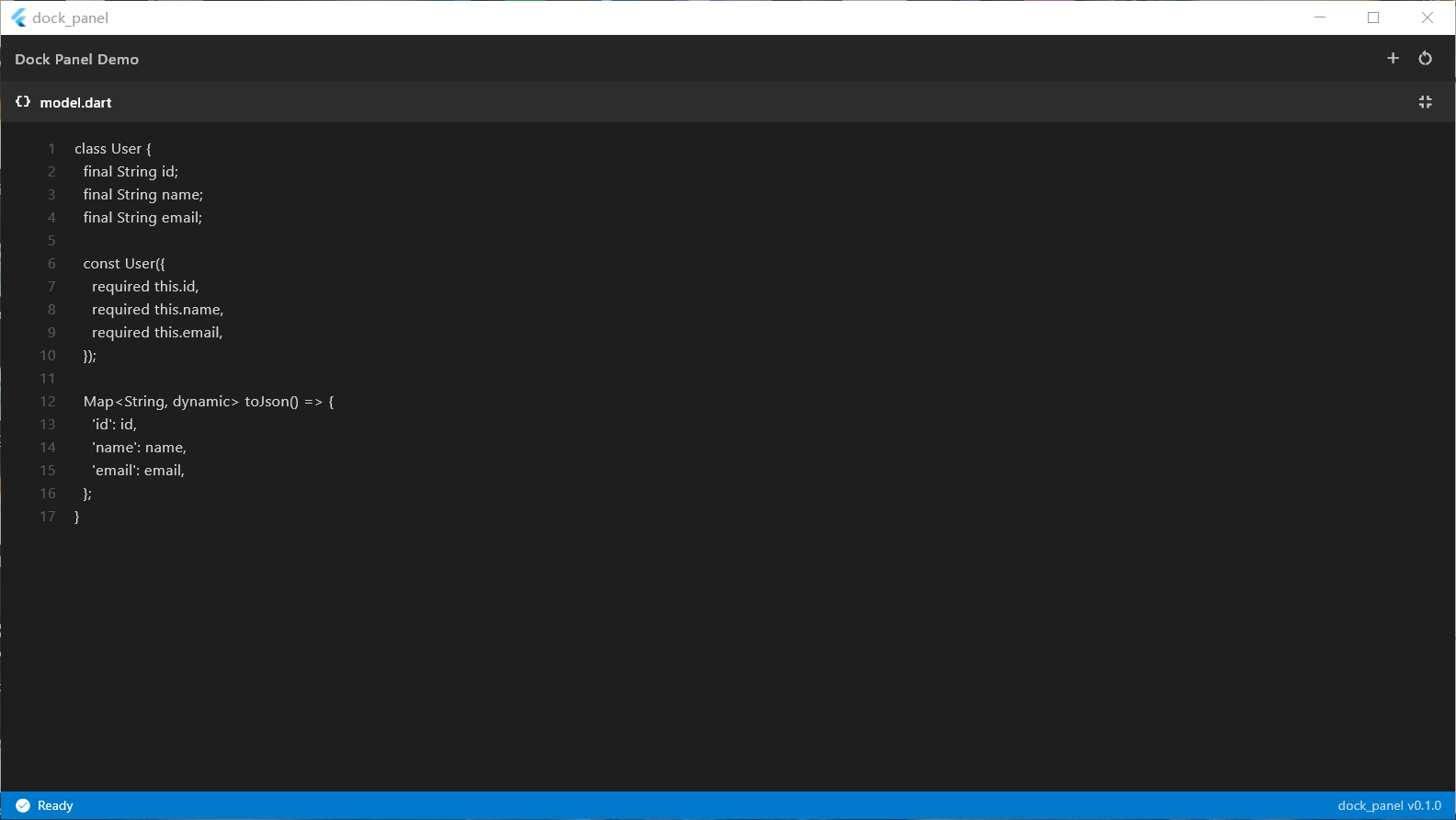
- Panel Maximize/Restore — Double-click or use the maximize button to fullscreen a panel
- Animated Indicators — Smooth animated drop zones and drag feedback
- Themeable — Full control over colors, tab shapes, and divider styles
- Persistent Layout — Save and restore layout state via a pluggable storage interface
- Keyboard Shortcuts — Extensible shortcut system for split/merge operations
- Zero Platform Dependencies — Pure Flutter core, works on desktop, web, and mobile
dependencies:
  dock_panel: ^latest
flutter pub add dock_panelimport 'package:flutter/material.dart';
import 'package:flutter_riverpod/flutter_riverpod.dart';
import 'package:dock_panel/dock_panel.dart';
void main() {
runApp(const ProviderScope(child: MyApp()));
}
class MyApp extends StatelessWidget {
const MyApp({super.key});
@override
Widget build(BuildContext context) {
return MaterialApp(
home: const DockDemo(),
);
}
}
class DockDemo extends ConsumerStatefulWidget {
const DockDemo({super.key});
@override
ConsumerState<DockDemo> createState() => _DockDemoState();
}
class _DockDemoState extends ConsumerState<DockDemo> {
@override
void initState() {
super.initState();
WidgetsBinding.instance.addPostFrameCallback((_) {
final manager = ref.read(dockManagerProvider.notifier);
manager.addPanel(DockPanel(
id: 'explorer',
title: 'Explorer',
icon: Icons.folder,
builder: (_) => const Center(child: Text('File Explorer')),
));
manager.addPanel(DockPanel(
id: 'editor',
title: 'main.dart',
icon: Icons.code,
builder: (_) => const Center(child: Text('Code Editor')),
));
manager.addPanel(DockPanel(
id: 'terminal',
title: 'Terminal',
icon: Icons.terminal,
builder: (_) => const Center(child: Text('Terminal')),
));
// Create IDE-like layout: explorer left, terminal bottom
manager.movePanel('terminal', 'explorer', DockPosition.bottom);
manager.movePanel('explorer', 'editor', DockPosition.left);
});
}
@override
Widget build(BuildContext context) {
return Scaffold(
body: DockTheme(
data: const DockThemeData(), // or DockThemeData.light
child: const DockArea(),
),
);
}
}The layout is a tree structure:
DockArea (root widget)
  └─ DockNode (recursive)
       ├─ DockSplit  — splits space along an axis, holds children + flex ratios
       └─ DockGroup  — holds tabbed panels, one active at a time
            └─ DockPanel — a single panel (id, title, icon, builder)
All layout mutations go through DockManager:
final manager = ref.read(dockManagerProvider.notifier);

// Add a panel
manager.addPanel(DockPanel(
  id: 'my_panel',
  title: 'My Panel',
  builder: (_) => const MyWidget(),
));

// Move panel to create a split
manager.movePanel('my_panel', 'target_group_id', DockPosition.right);

// Remove a panel
manager.removePanel('my_panel');

// Maximize / restore
manager.toggleMaximize('my_panel');

// Reorder tabs within a group
manager.reorderPanel('group_id', 0, 2);DockTheme(
data: DockThemeData(
backgroundColor: Colors.grey[900]!,
tabBarColor: Colors.grey[850]!,
activeTabColor: Colors.grey[900]!,
dividerColor: Colors.grey[700]!,
dropIndicatorColor: Colors.blue.withOpacity(0.3),
tabShape: DockTabShape.rounded,
dividerThickness: 4.0,
tabHeight: 36.0,
),
child: const DockArea(),
)Built-in presets: DockThemeData() (dark) and DockThemeData.light.
Implement DockStorage to save/restore layouts:
class MyStorage implements DockStorage {
  @override
  FutureOr<Map<String, dynamic>?> read() async {
    final json = prefs.getString('dock_layout');
    return json != null ? jsonDecode(json) : null;
  }

  @override
  FutureOr<void> write(Map<String, dynamic> data) async {
    await prefs.setString('dock_layout', jsonEncode(data));
  }

  @override
  FutureOr<void> clear() async {
    await prefs.remove('dock_layout');
  }
}

// Usage
final manager = ref.read(dockManagerProvider.notifier);
manager.setStorage(MyStorage());
await manager.restore(); // Load saved layout| Widget | Description |
|---|---|
DockArea |
Root widget that renders the layout tree |
DockTheme |
Provides theme data to descendant dock widgets |
| Class | Description |
|---|---|
DockPanel |
Defines a panel: id, title, icon, builder, closable |
DockGroup |
A group of tabbed panels |
DockSplit |
A split container with axis and flex ratios |
DockLayout |
Root layout state (root node + maximized panel id) |
| Enum | Values |
|---|---|
DockAxis |
horizontal, vertical |
DockPosition |
top, bottom, left, right, center |
DockTabShape |
square, rounded, pill |
| Provider | Type |
|---|---|
dockManagerProvider |
NotifierProvider<DockManager, DockLayout> |
| IDE Layout | Drag & Drop |
|---|---|
|
 |
See the full example in lib/main.dart — an IDE-like demo with file explorer, code editor, terminal, output, problems, and outline panels.
cd dock_panel
flutter run -d windows # or -d chrome- Multi-window support (OS-level detachable panels via Flutter windowing API)
- Keyboard shortcuts (Ctrl+\ split, Ctrl+Shift+\ merge)
- Panel minimize to sidebar
- Layout presets / templates
- Activity bar integration
BSD 3-Clause License. See LICENSE for details.