
 Catppuccin for RemNote



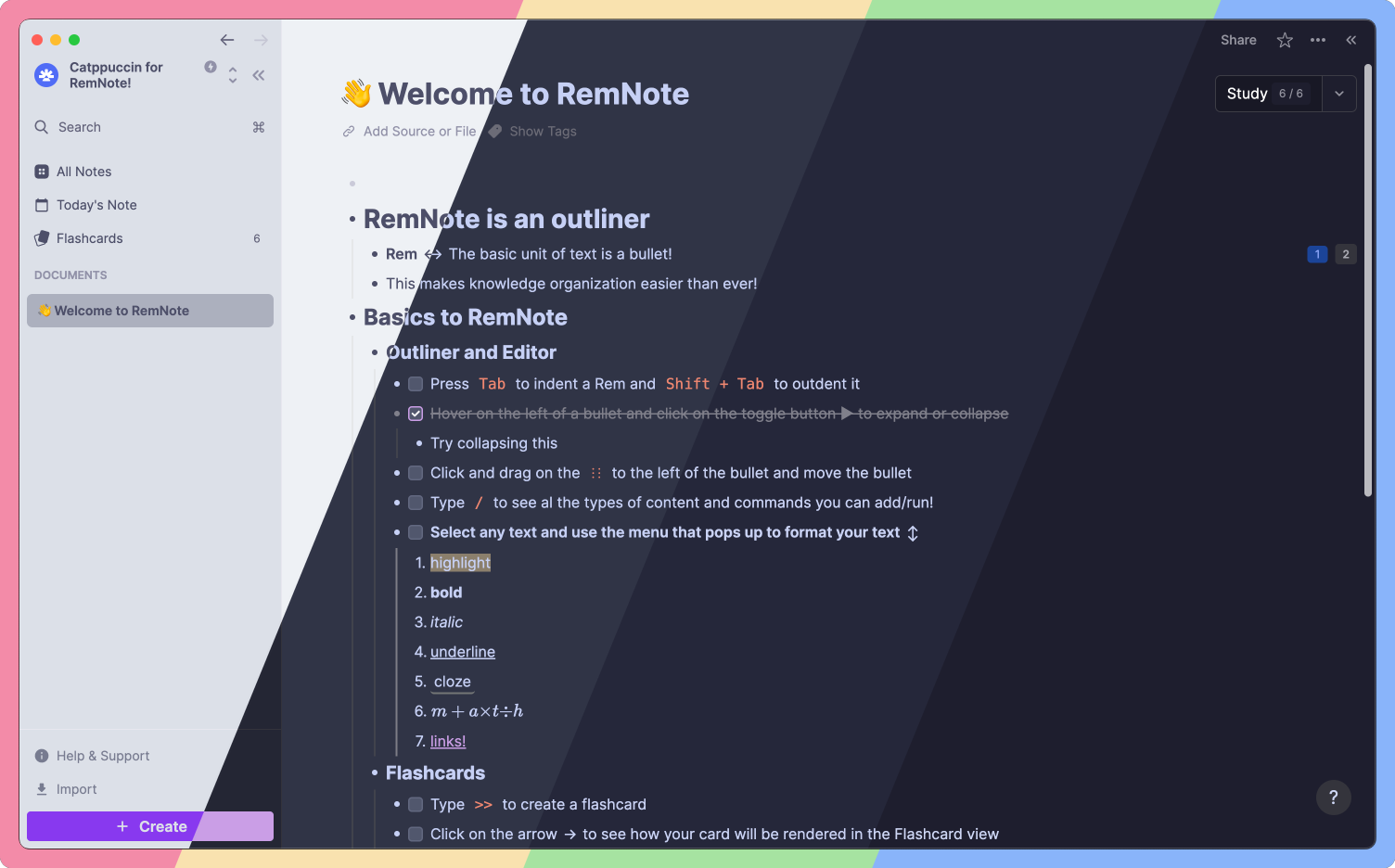
🌻 Latte
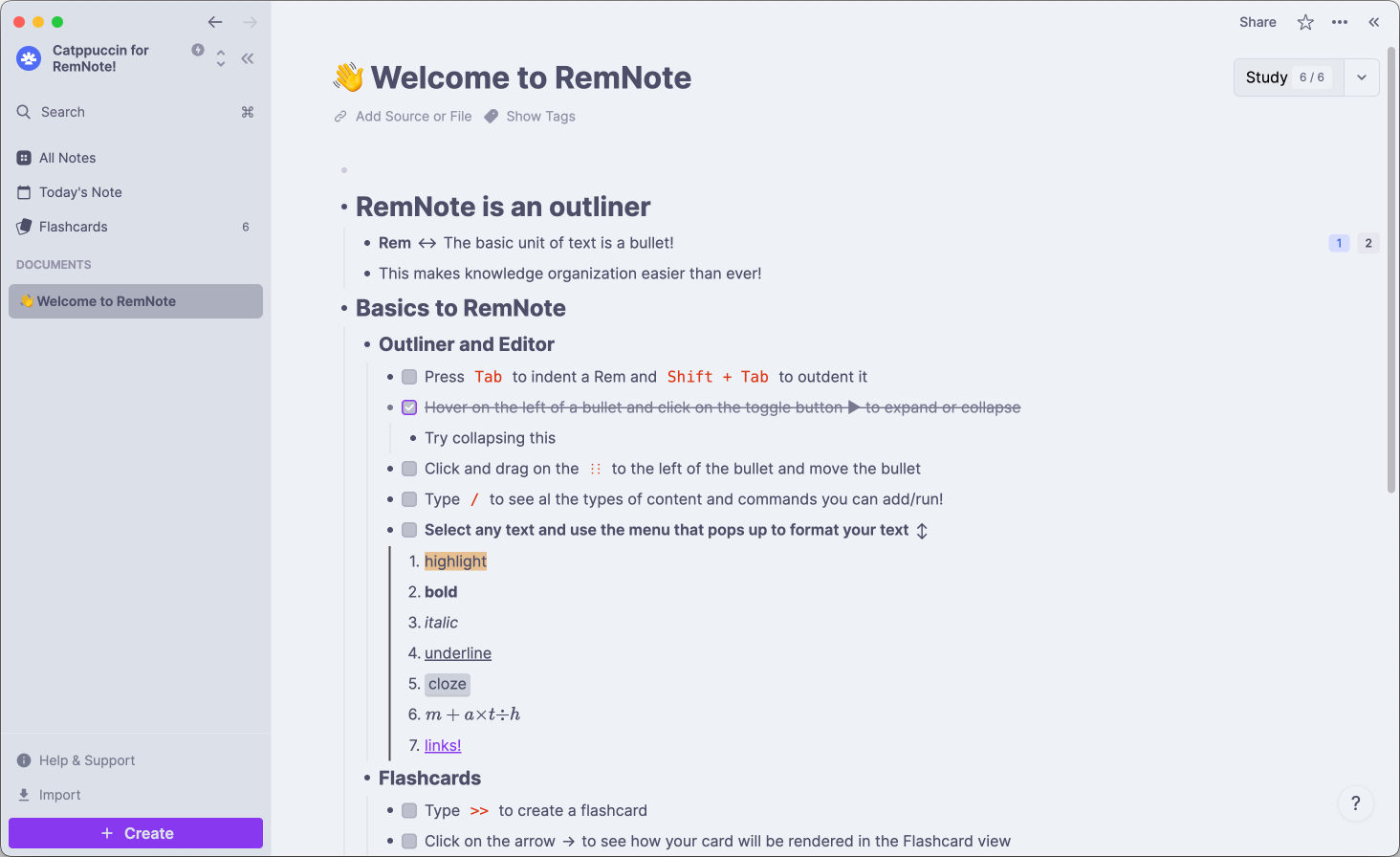
🪴 Frappé
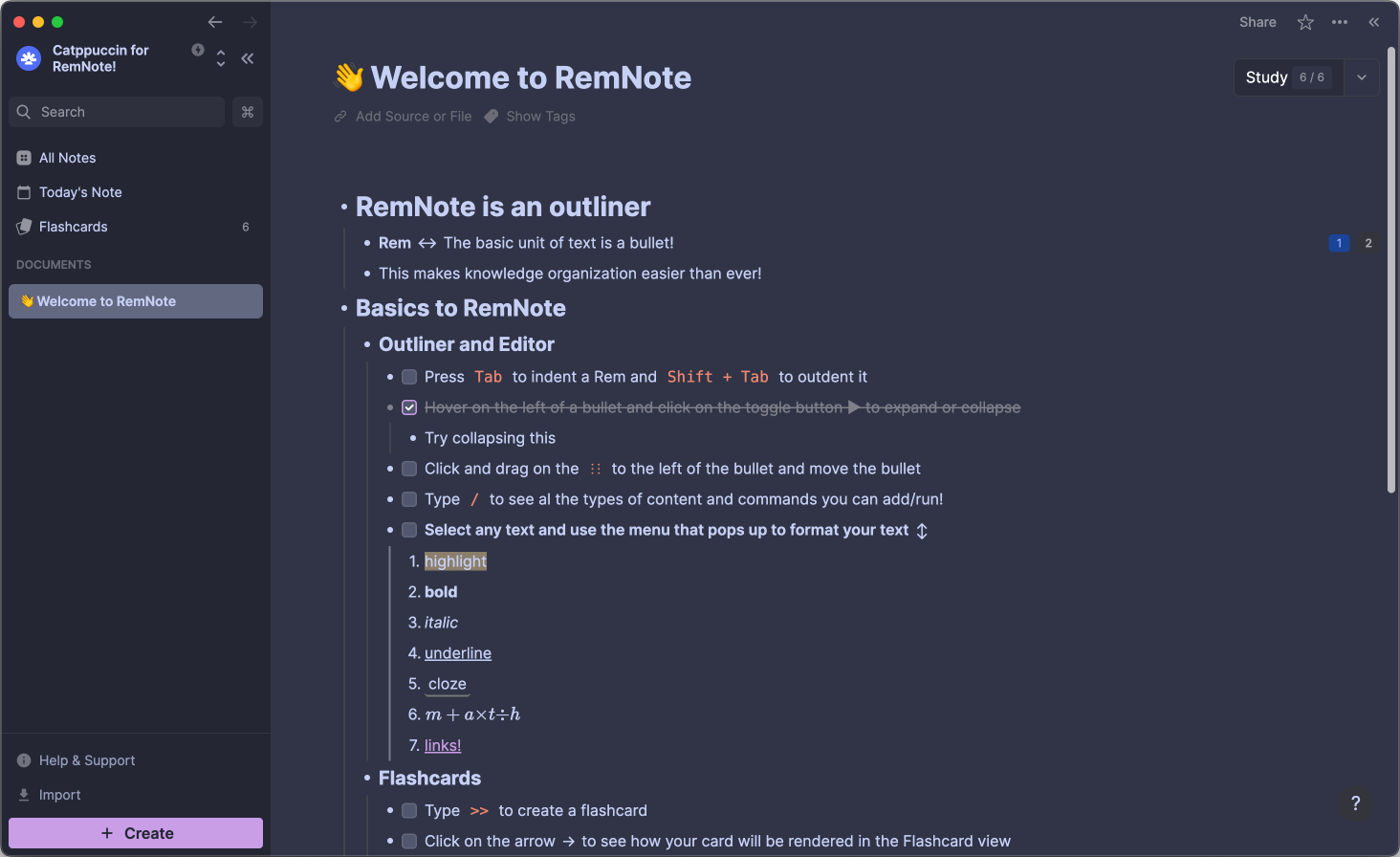
🌺 Macchiato
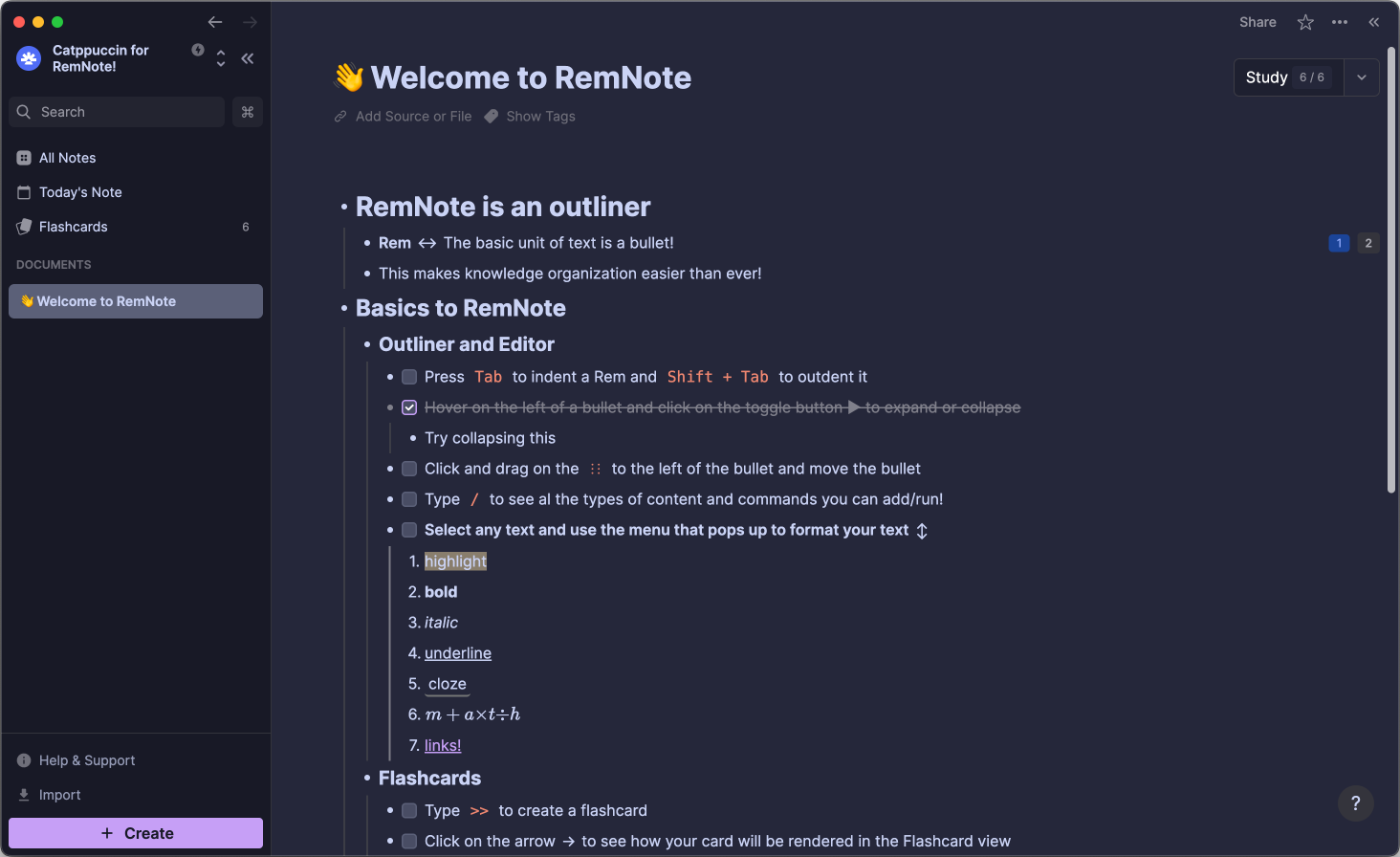
🌿 Mocha
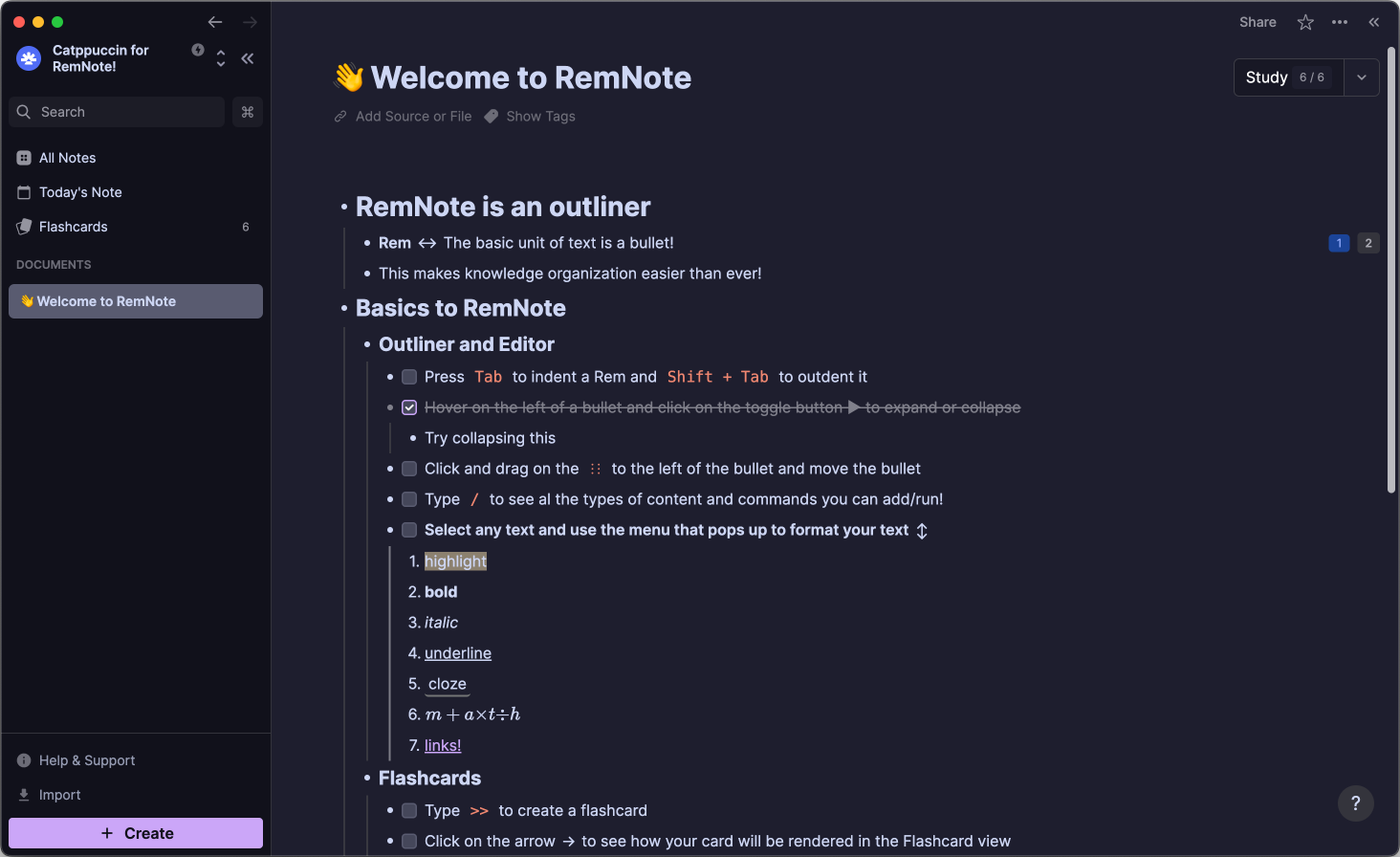
- Open RemNote (either the Desktop-, Mobile App or Website)
- Navigate to
Plugins and Themesand check theShow Themesbox. - Search for Catppuccin and click the
Installbutton. - Navigate to
Plugin Settingsand scroll toCatppuccin. - Customize to your liking!

Copyright © 2021-present Catppuccin Org

