A lightweight, Sodium-compatible Fabric client mod for Minecraft 26.1.2 that instantly hides chosen blocks, block entities, liquids and entities — with a keybind, no world reload, and near-zero performance cost.
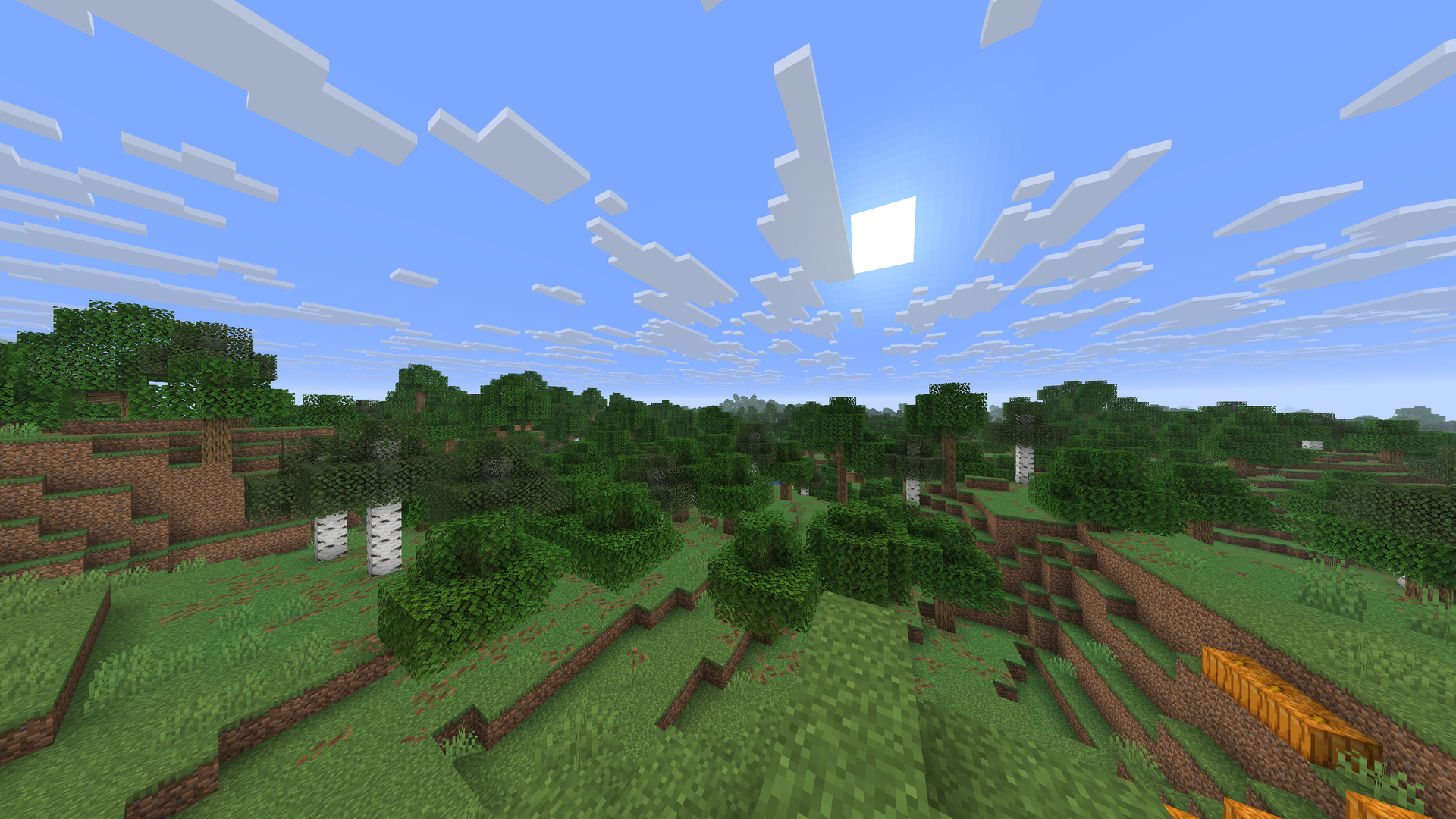
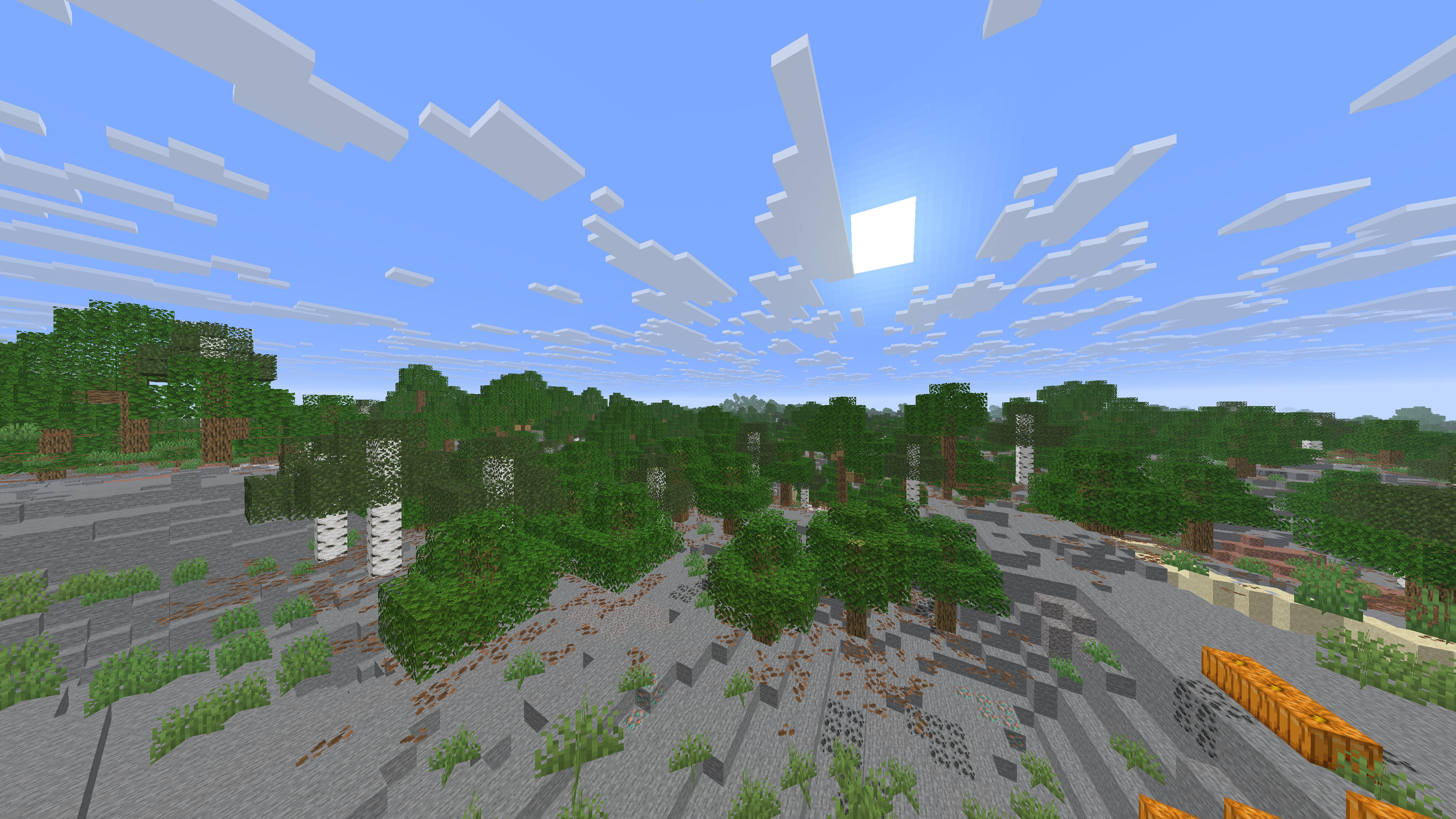
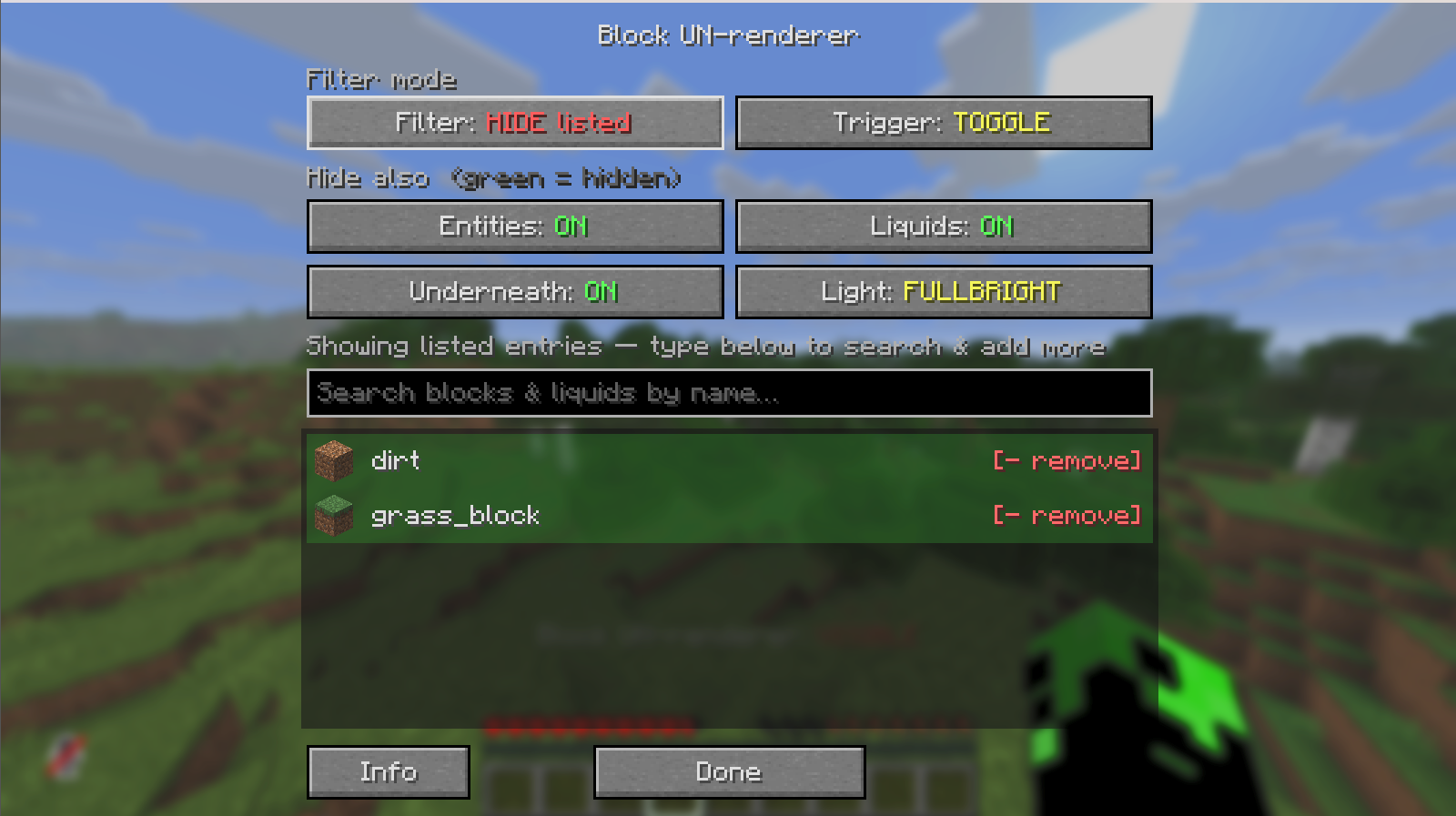
- Two filter modes — Hide listed (blacklist) to make some blocks invisible, or Show only listed (whitelist) to make only the listed blocks visible. One list, switch the mode.
- Hide blocks & block entities — list them by ID (
minecraft:stone,minecraft:chest, …). - Hide liquids — a one-click Liquids toggle hides all water/lava, or add specific fluids to the list (covers flowing and waterlogged blocks too).
- Hide entities — an Entities toggle hides all mobs / items / projectiles.
- Fullbright — light exposed areas while hiding (OFF or FULLBRIGHT).
- Hold or Toggle trigger modes.
- Instant — no loading, no world reload; toggling triggers a single chunk re-mesh.
- Heavily optimized — zero-allocation render hooks (MixinExtras
@ModifyReturnValue); when off it costs a single boolean check, so it's safe on low-end PCs. - Sodium compatible — hooks the render path both vanilla and Sodium respect (including Sodium's own fluid renderer).
- Map-mod friendly — does not distort Xaero's Minimap / World Map; the map keeps showing the real world while blocks are hidden from your view.
- In-game config via ModMenu — a searchable block/liquid picker with icons and toggle buttons.
Unbound by default — bind them under Options → Controls → Block UN-renderer:
- Toggle Block Hiding — turn the filter on/off (or hold, in Hold mode)
- Open Block Manager — open the picker screen any time
| Minecraft | 26.1.2 |
| Fabric Loader | 0.19.2+ |
| Fabric API | * |
| ModMenu | 18.x — optional (in-game config UI) |
- Open ModMenu → Block UN-renderer (or bind & press Open Block Manager).
- Pick a Filter mode — Hide listed or Show only listed.
- Add the blocks/liquids the filter acts on (e.g.
minecraft:stone), or use the Liquids / Entities toggles for those whole categories. - Bind a key under Options → Controls → Block UN-renderer and press it to hide/show.
Because hiding blocks lets you see through them, the feature follows Modrinth's content rules: it is only active where it can't be an unfair multiplayer advantage.
- Singleplayer / your own world — always available.
- Multiplayer — off by default, and only enabled if the server opts in.
A server opts in by installing this mod on the server side and setting allowSeeThrough to
true in config/block-unrenderer-server.json (created automatically, default false). When
enabled, the server sends a small opt-in handshake to clients on join and the feature unlocks for
them. On vanilla servers — or any server that hasn't opted in — the feature stays disabled, and
pressing the toggle there just shows a "disabled — the server has not opted in" message.
This is purely a visual client mod: it never changes the world or block data on the server.
Regular blocks are hidden by returning RenderShape.INVISIBLE during chunk meshing, so they're
never built into the geometry (works identically under Sodium). Block entities (chests, signs…)
are hidden by dropping their per-frame render state; liquids by skipping the fluid mesher (both
vanilla and Sodium); entities via the entity render dispatcher. All per-block hooks use
MixinExtras @ModifyReturnValue, so no objects are allocated on the hot path.
Map mods: block states are never altered — only the render path is. While Xaero's Minimap
(MinimapWriter) and World Map (MapWriter) sample the world to build their maps, the mod reports
the real (unhidden) world, so hidden blocks stay on the map even though they're gone from view.
Built by Limucc-dev.