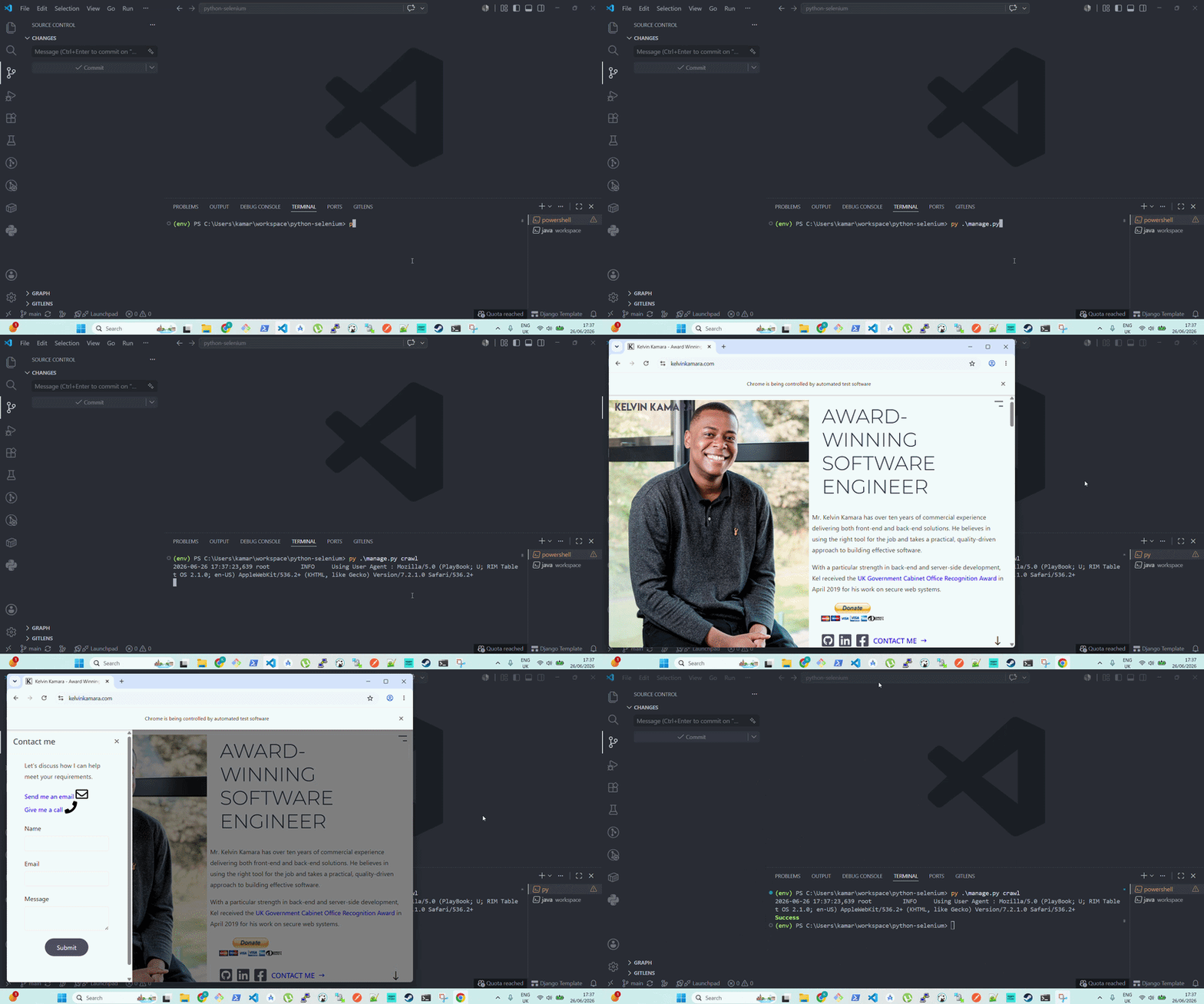
💻 (30-Mar-2021) See your Python code do web browsing on your screen with GUI.
Before you try to scrape any website, go through its robots.txt file. You can access it via domainname/robots.txt. There, you will see a list of pages allowed and disallowed for scraping. You should not violate any terms of service of any website you scrape.
cp .env.example .env
python -m venv env && \
  source env/bin/activate
pip install -r requirements.txt
python manage.py makemigrations
python manage.py migrateLocate where you downloaded your Selenium Server JAR file in the requirements step and run the following.
java -jar selenium-server-[version].jar standalone --override-max-sessions true --max-sessions 10CLI options in the Selenium Grid.
Update the command at crawl.py to perform your instructions in web scraping.
python manage.py crawlXPath element selector cheat sheet.
alias compose='docker-compose -f local.yml'
compose build
compose up
# Automated runs with Docker:
# compose up --build -d && python manage.py crawlpy manage.py shell -i ipythonpy manage.py show_urlsAdmin creds are set in ./compose/local/django/start.
export DJANGO_SUPERUSER_PASSWORD=secret

py manage.py createsuperuser \
  --username admin_user \
  --email admin@django-app.com \
  --no-input \
  --first_name Admin \
--last_name Userpy manage.py collectstatic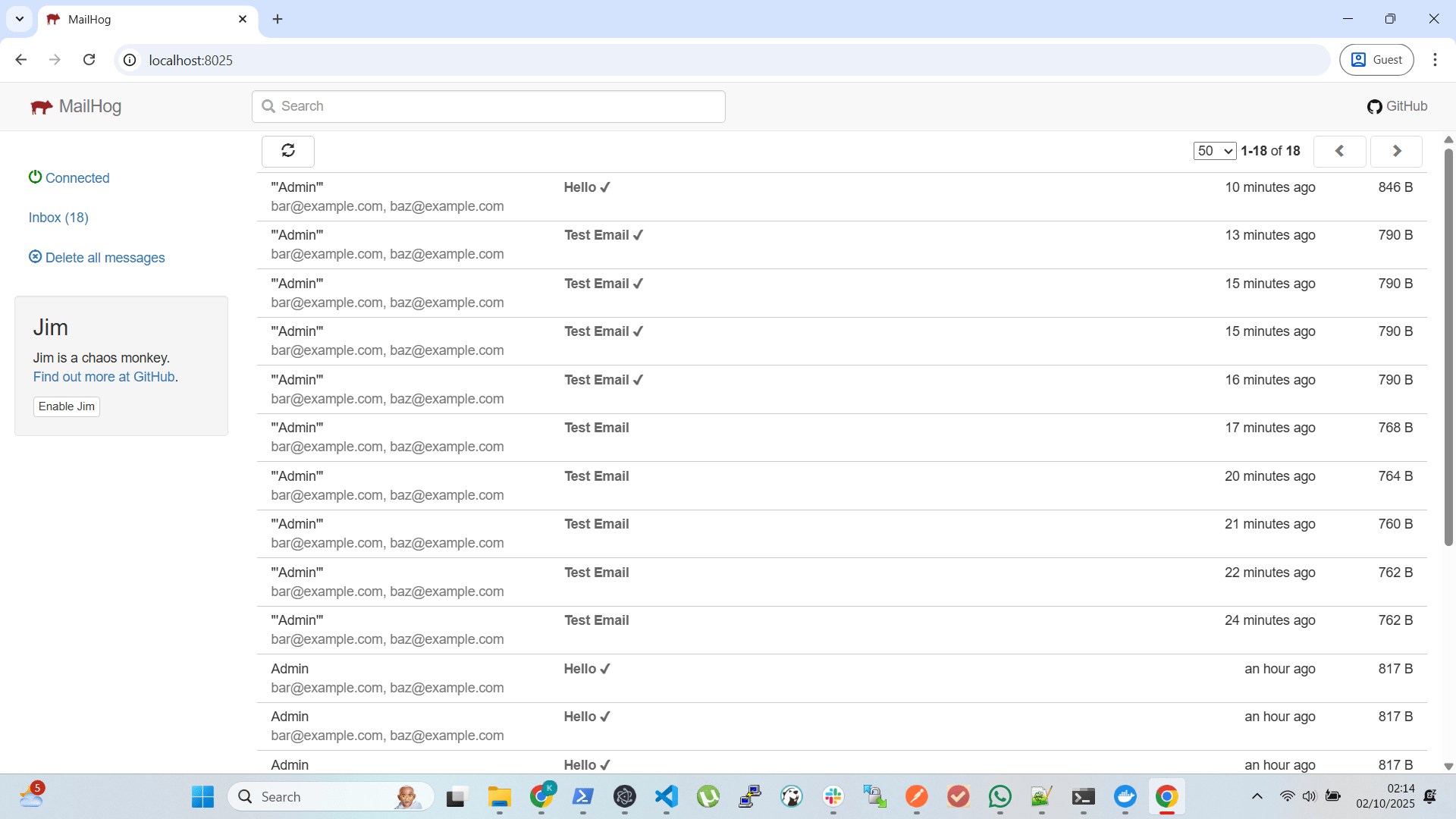
Mail environment credentials are at .env.
The mailhog docker image runs at http://localhost:8025.
See Python ReactJS Boilerplate.
Pull requests are welcome. For major changes, please open an issue first to discuss what you would like to change.
Please make sure to update tests as appropriate.